
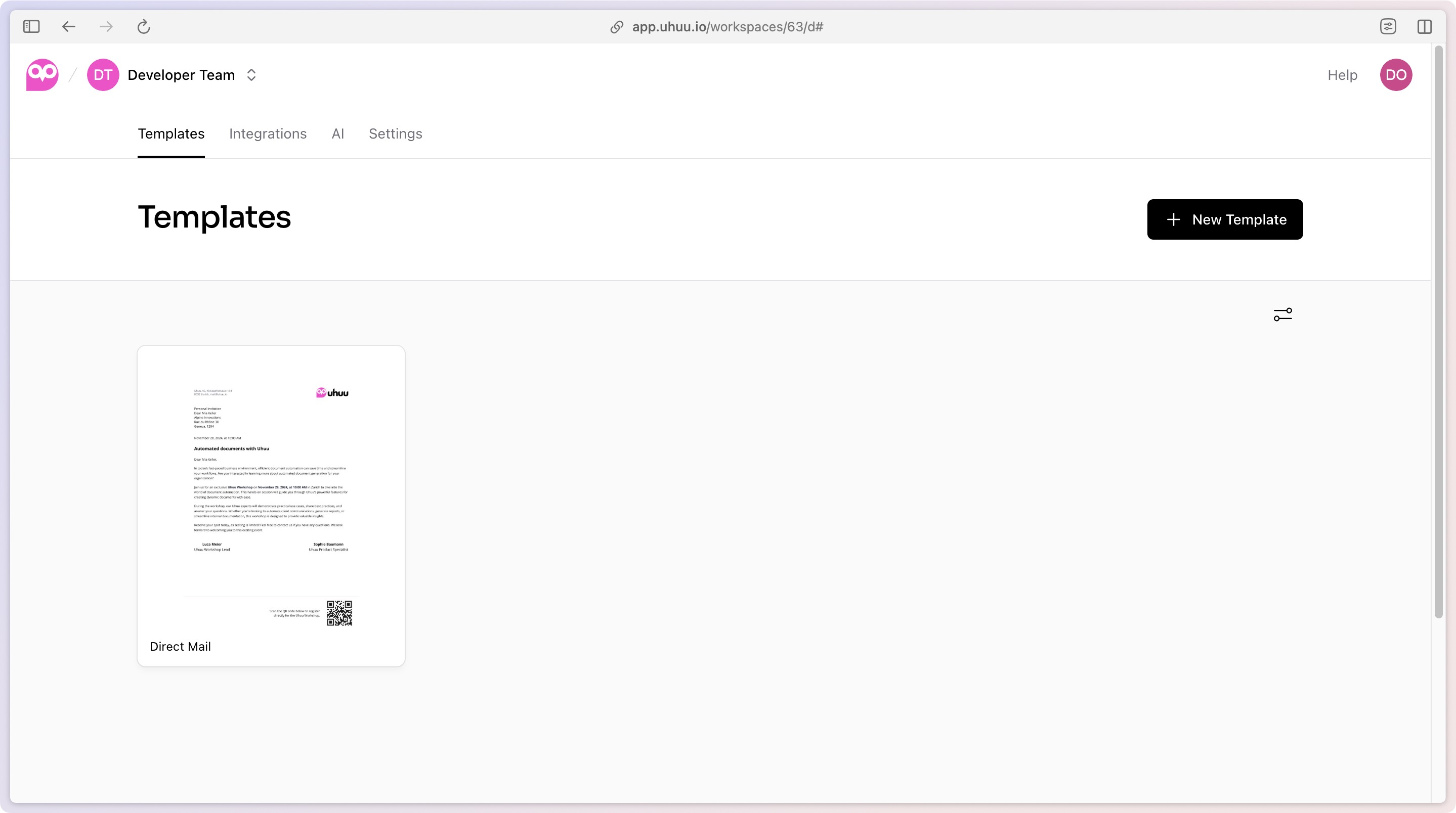
Webhooks let your applications react instantly when Uhuu generates a document. Instead of polling APIs, you can register one or more endpoints to receive real-time notifications.
In this guide, we’ll walk you through setting up webhooks from the Template Settings screen in Uhuu.
Step 1. Open Template Settings
From your Uhuu dashboard, navigate to the template you want to connect.
Click Settings to open the configuration panel.
You’ll find a Webhooks section where you can add, edit, or remove webhook endpoints.
Step 2. Add a Webhook
Click Add Webhook to create a new entry. Each webhook has several key fields:
- Type: Select the kind of endpoint.
- HTTP: A generic URL that accepts JSON payloads.
- Slack: A Slack Incoming Webhook URL.
- Discord: A Discord Webhook URL.
- Name: A label to help identify the webhook (e.g., “CRM Sync” or “Discord Alerts”).
- Webhook URL: The endpoint where Uhuu will send notifications.
- Example for HTTP:
https://webhook.site/... - Example for Discord:
https://discord.com/api/webhooks/...
- Example for HTTP:
Step 3. Test the Webhook
After entering the details, click Test to send a sample payload.
- For HTTP endpoints, Uhuu sends a JSON object with test data.
If the most recent document’s PDF is private, the test carries the PDF’s Uhuu address, which opens only for a signed-in team member. Real deliveries carry a signed
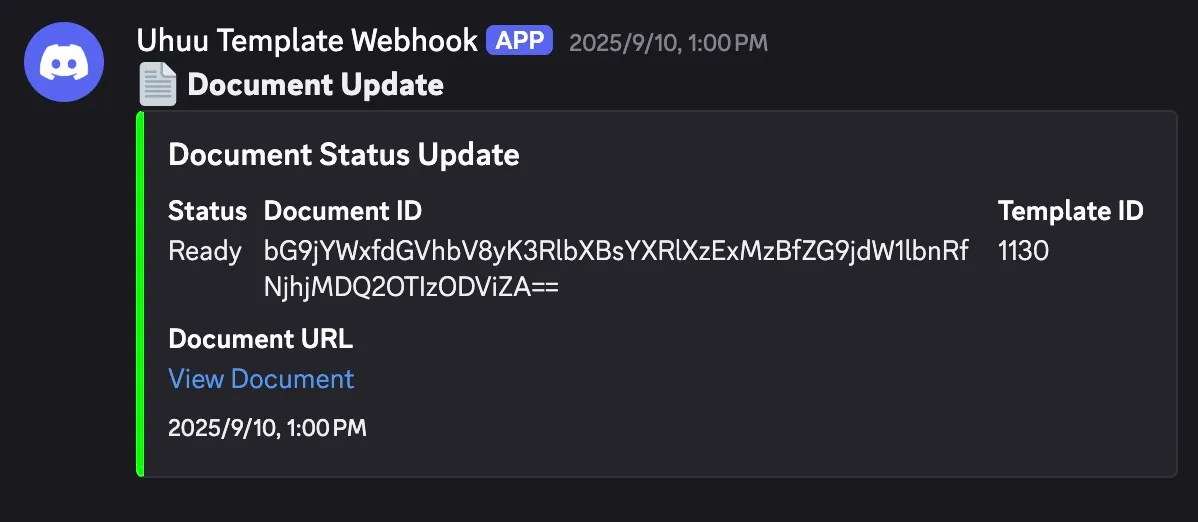
urlandurl_expires_at. - For Slack and Discord, Uhuu sends document download link to your integration channel.
If your service responds successfully, you’ll see a confirmation.
Step 4. Save
Once satisfied, click Save.
The webhook is now active, and Uhuu will notify it whenever documents are generated from this template.
Example Payloads
HTTP Webhook Example
{
  "id": "bG9jYWxfdGVhbV8yK3RlbXBsYXRlXzExMzBfZG9jdW1lbnRfNjhjNDBiNzBlNzYxOA==",
  "status": "ready",
  "url": "https://uhuuio.s3.eu-west-1.amazonaws.com/uhuu/live/team/54/template/872/document/68c3e0c8360dc/2025-09-12-0858.pdf",
  "template_id": "872",
  "origin": {
    "type": "token", // "user" | "token" | "batch",
    "id": 119
  },
  "duration": 5655,
  "timestamp": "2025-09-12T12:00:56.202Z"
}
For a PDF stored private, url is a signed link and the payload also carries url_expires_at,
the ISO 8601 time the link stops working. That can be sooner than the template’s link lifetime.
Anyone holding the link can download the PDF until then, so download it when the webhook arrives,
keep the link out of logs and stored payloads, and keep the document ID:
GET /documents/{document_id} returns a fresh link.
Slack / Discord Webhook Example
Why Use Webhooks?
- Real-time workflows: Trigger actions in your CRM, storage service, or messaging app.
- Flexible integrations: Connect Uhuu with any service that accepts HTTP POST.
- Multiple endpoints: Send the same notification to different destinations (e.g., CRM + Slack).
✨ With webhooks, Uhuu becomes more than a document engine — it turns into a hub that integrates into your existing workflows.